Open Access control (IAM)
Live Hub's Access control allows you to manage the account's users (and API clients), as described in Overview of users management.
To open Access control (IAM):
-
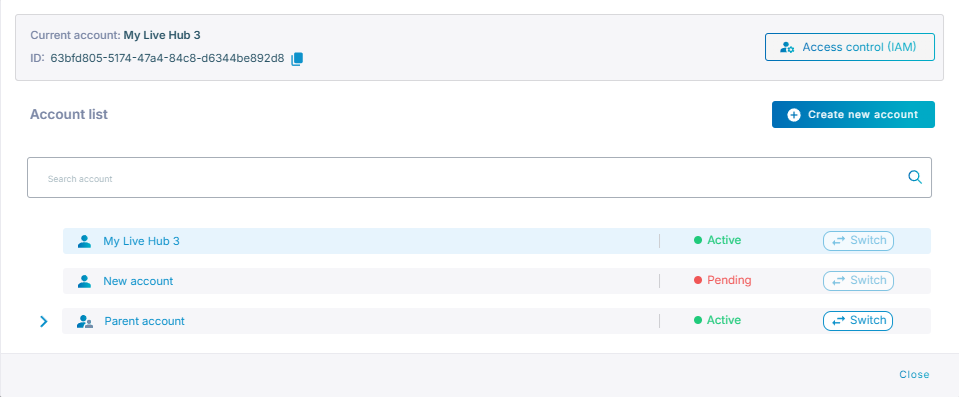
Click your Current account located in the top-left corner of the Live Hub window.
-
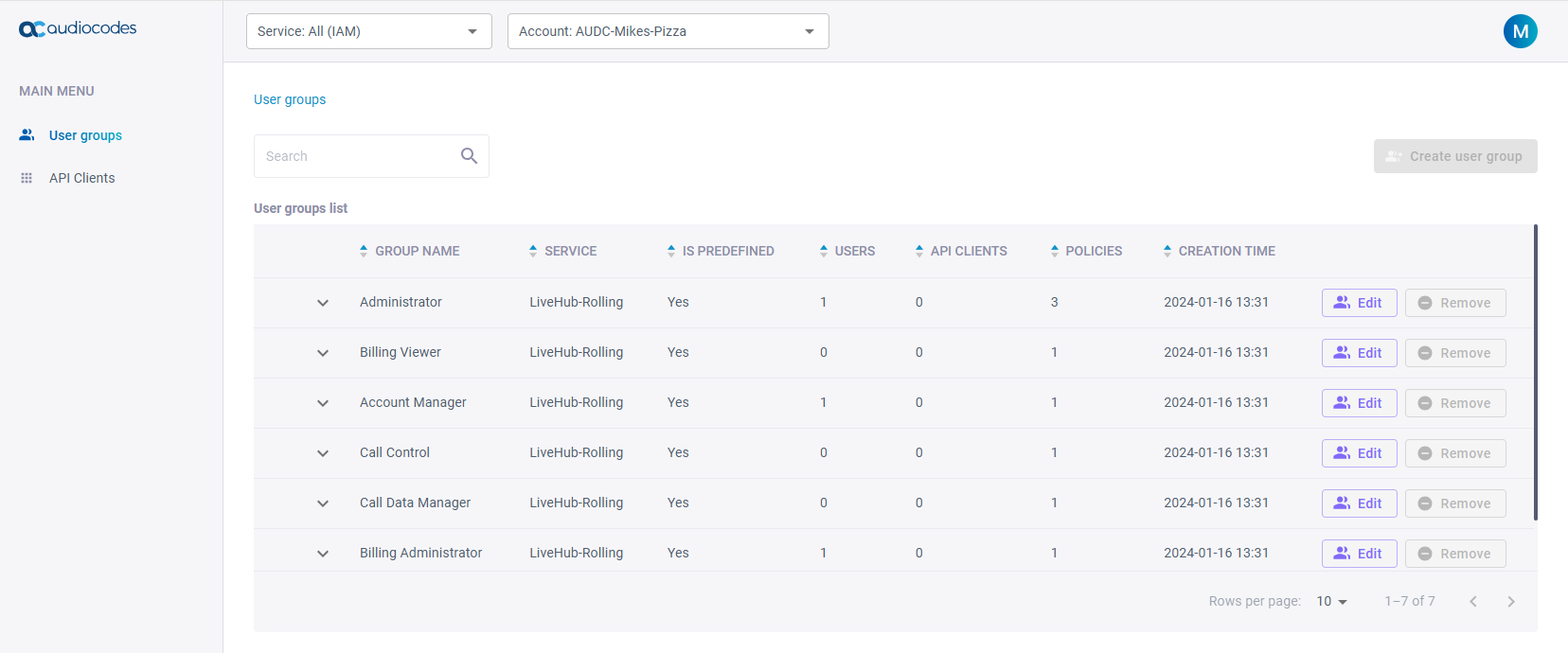
Click Access control (IAM); the IAM interface opens: